Install Host
Run the host on the computer you want to control.
Remote, but real
Direct Control Lab gives your Mac, Windows, or Linux machine a fast, private controller on iPhone or the web. Pick the route, pick the quality, and get to work.
Blazing fast
Up to 120 FPS
No open ports
Zero data logging
Orbit
Active session
Latency
12 ms
FPS
120 FPS
Bitrate
45 Mbps
Codec
H.265
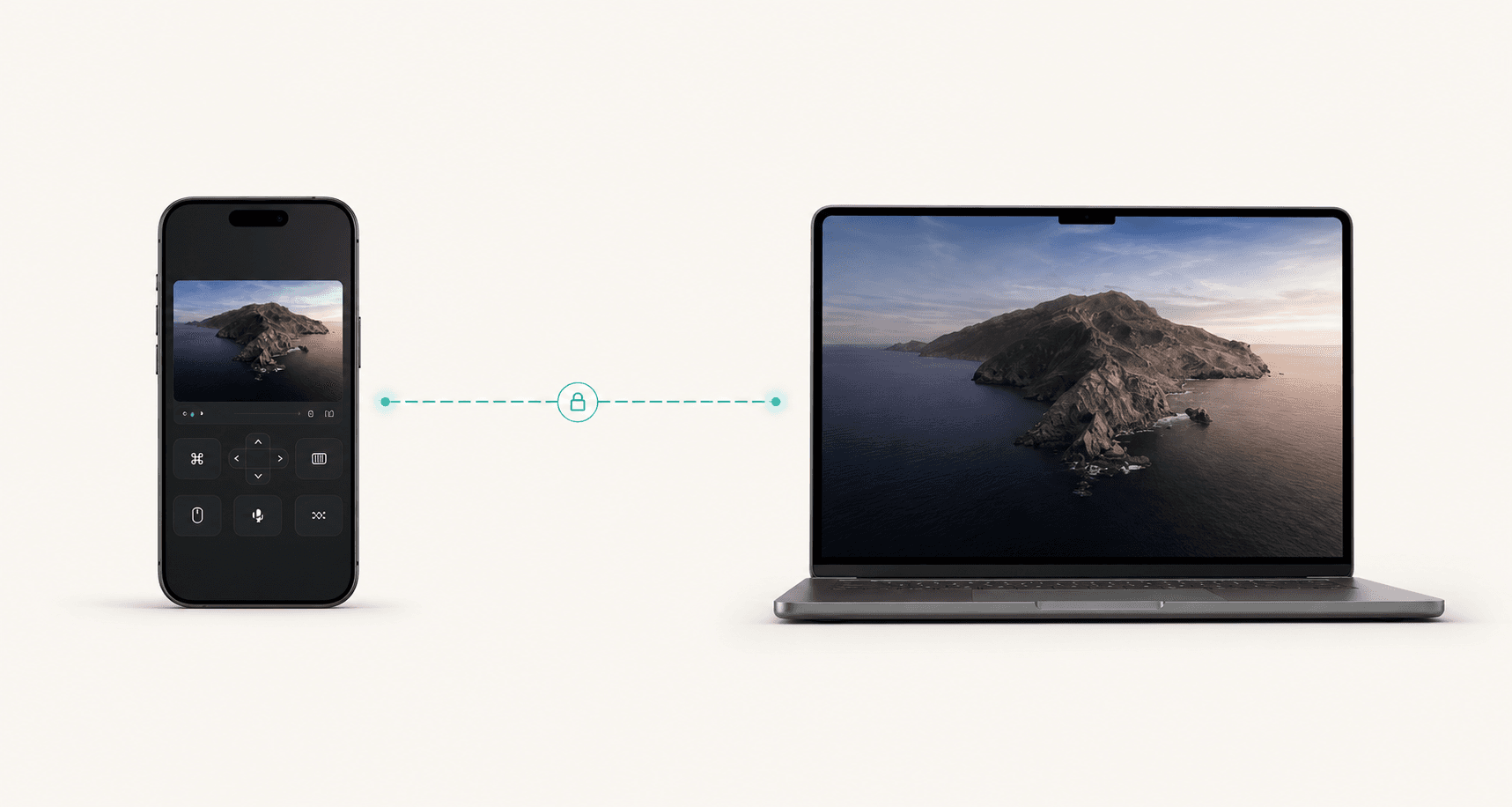
Encrypted route
Orbit direct
Encrypted route
Quality
Plan
$8/mo
$80/year
Save $16
Get started in minutes
Phone controller URL
Detecting local URL...
Run the host on the computer you want to control.
Launch the iPhone app or open the controller URL in a browser.
Pick the host, choose the quality profile, and start working.
Built like a product, not a promise
Users see direct, LAN, or relay before they wonder why a session feels different.
Native, 1080p 120 FPS, 4K+, and Custom cover normal and advanced users.
The iPhone interface is a real controller, not a tiny desktop squeezed onto glass.
Pricing, support, privacy, terms, and notices are already part of the launch surface.
Live controls
Users should understand what Start Host and Open Controller do. The host captures the computer; the controller joins from phone or browser.
Route
Capture quality
Apps
Orbit session
1920 x 1080120 FPS
Frame rate
12 ms
Latency
0%
Loss
Selected app
Install the host, approve screen capture, then publish the controller URL.
Active state
Direct peer is the preferred path, so the controller feels close when networks allow it.
Simple pricing
Monthly is $8 x 12 = $96. Yearly is $80, so annual billing saves $16. That is two months free.
Monthly
$8
per month, billed monthly
Yearly
$80
per year, equivalent to $6.67/mo
Security
Media and control travel through encrypted WebRTC channels.
The host must approve capture before a controller can see anything.
Route, FPS, bitrate, paired device, and disconnect controls stay in view.
The app can request high-refresh profiles, but real output depends on the host, encoder, browser, display, and network. 120 FPS is a credible, attractive ceiling to market today.
The Custom profile can request larger capture sizes when the platform supports the source. 4K+ is the cleanest marketing claim without overpromising 8K or 16K performance.
Monthly is $8 x 12 = $96. Yearly is $80, so the annual plan saves $16.