Feels close
Direct routes first, visible fallback, and a control surface tuned for low overhead.
Remote, but real
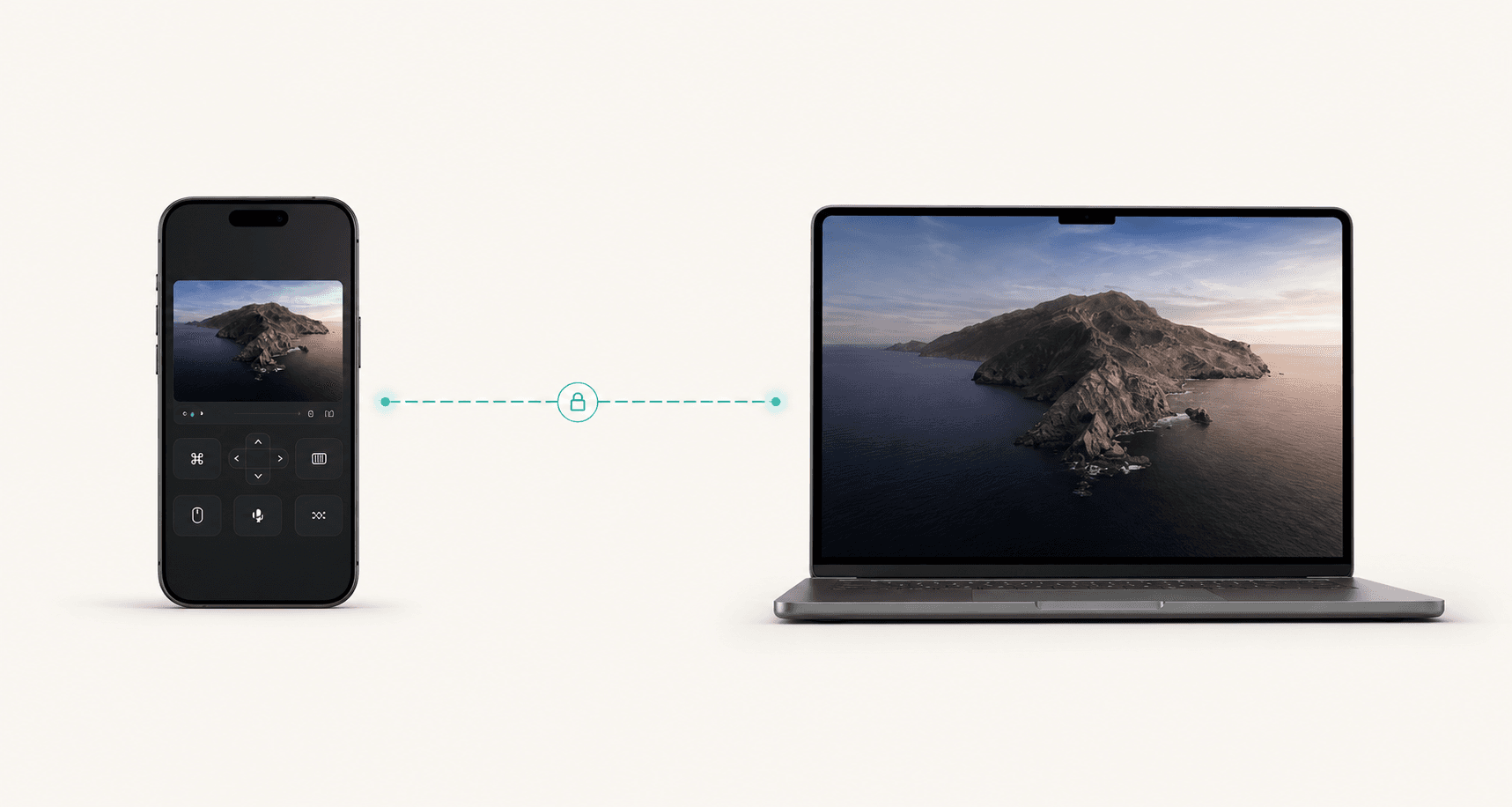
Direct Control Lab gives your Mac, Windows, or Linux machine a fast, private controller on iPhone or the web. Pick the route, pick the quality, and start working.
Blazing fast
Direct first
Up to 120 FPS
High refresh
4K+ ready
Native scale
Latency
12 ms
FPS
120 FPS
Bitrate
45 Mbps
Codec
H.265
Active route
Direct peer
Live route
Capture quality
Plan
$8/mo
$80/year
Save $16
End-to-end encrypted path
Media and control data travel through encrypted WebRTC sessions.
No open host ports
Direct discovery and relay fallback avoid exposing your computer to the public internet.
Visible operational state
Route, quality, paired device, host status, and stop controls stay obvious.
Marketplace ready
Terms, privacy, support, and subscription language are already present.
One fair price
$8/mo or $80/year with $16 saved annually.
Product first
Direct routes first, visible fallback, and a control surface tuned for low overhead.
Capture profiles can request high refresh when the device, browser, and network support it.
Native, 1080p 120 FPS, 4K+, and custom settings cover quick control and detailed work.
The host stays in charge of capture, connection state, route, and disconnect controls.
Click the controls
Most users choose a simple quality target. Advanced users can expose the custom panel and tune resolution, frame-rate target, and bandwidth.
Connection route
Capture quality
App surface
Session preview
1920 x 1080120 FPS
Frame rate
12 ms
Latency
0%
Loss
Selected app
Approve capture, pick a quality profile, and publish the controller URL.
Active state
Encrypted WebRTC probes the shortest available route before any fallback.
Get started
The buttons do not magically connect two devices by themselves. Users need a host running on the computer, then a controller opened from a phone or second browser.
Phone controller URL
Detecting local URL...
Open the host on the computer you want to control and approve screen capture.
Use the iPhone app, another browser, or the LAN URL generated below.
Pick the route and capture profile, then use pointer, keyboard, and quick actions.
Simple pricing
Monthly is $8 x 12 = $96. Yearly is $80, so annual billing saves $16. That is two months free.
Monthly
$8
per month, billed monthly
Yearly
$80
per year, equivalent to $6.67/mo
Security
Media and control data travel through encrypted WebRTC sessions.
Direct discovery and relay fallback avoid exposing your computer to the public internet.
Route, quality, paired device, host status, and stop controls stay obvious.
Because 120 FPS is an understandable high-refresh target the app can request. Actual output still depends on the host, display, encoder, browser, and network.
The app is not locked to one fixed capture size. It can request 4K and larger desktop streams when the platform supports the selected source.
Monthly costs $8 x 12 = $96. Yearly costs $80, so you save $16.