01
Start the host
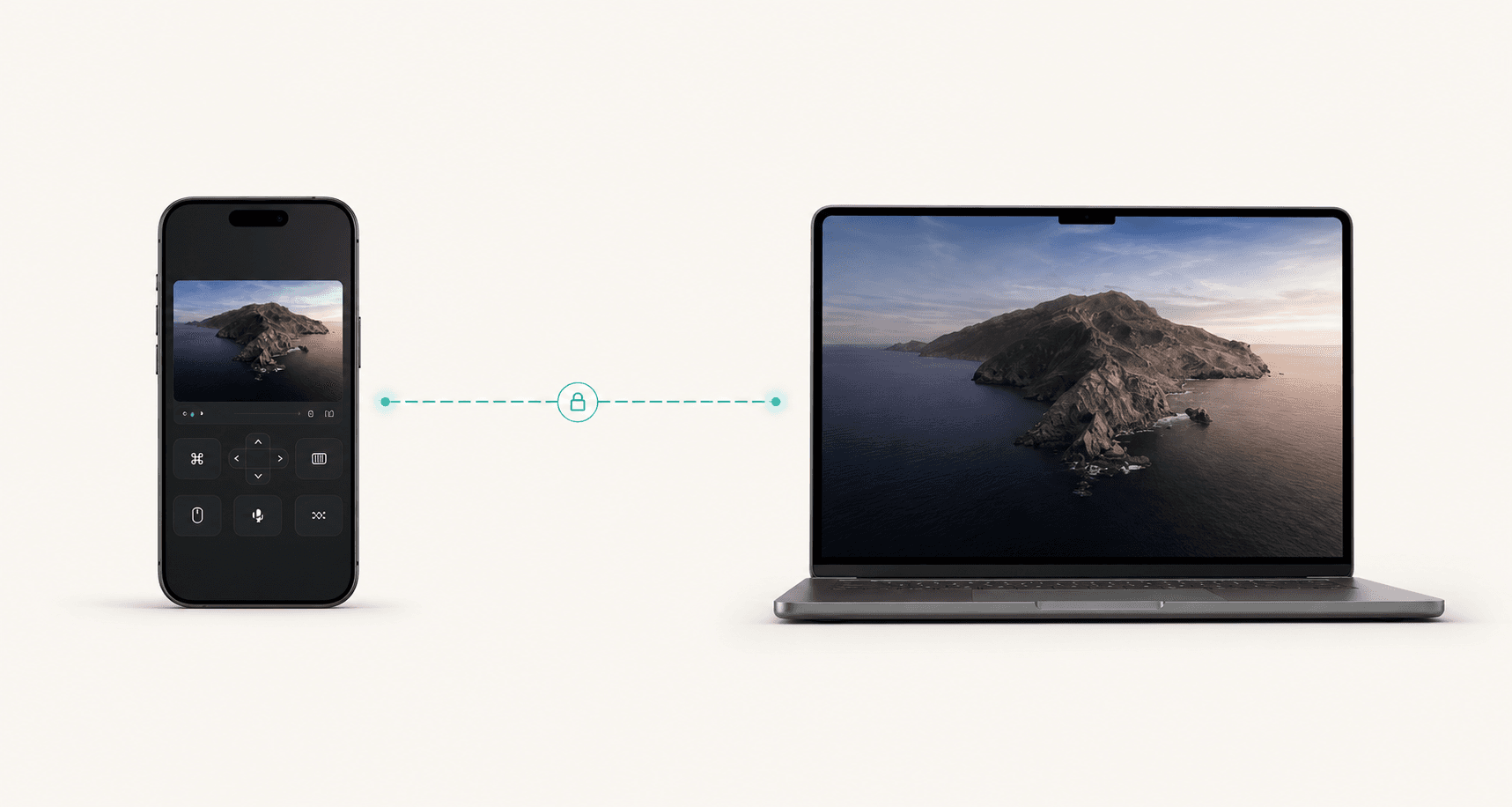
The desktop app advertises a trusted session, capture capability, and local controller URL.
Operator structure, Signal mood, and Orbit pricing in one direction: direct when possible, encrypted always, and honest about the route being used.
Preferred route
Direct-first
Capture ceiling
4K+
Refresh target
120 FPS
Control posture
Paired
Route board
This direction treats route choice as a confidence feature. The user sees what is fast, what is private, and when relay is only a fallback.
Active route
The fastest everyday path when the phone and computer are on the same network. No public relay should be needed.
Latency
Lowest
Privacy
Local
Fallback
Ready
Controller URL
Detecting phone URL...
Session notes
Product flow
This direction keeps Operator's confidence and Signal's polished control-room feel, without becoming too abstract.
The desktop app advertises a trusted session, capture capability, and local controller URL.
The phone lands in a controller built for touch, typing, files, audio, and app-specific work.
Local, private mesh, direct internet, and relay are visible options instead of hidden magic.
Controls are designed around thumbs, landscape mode, keyboard use, zoom, clipboard, files, and audio.
Latency, bitrate, FPS, resolution, and fallback reason stay visible enough for real decisions.
Generic remote control remains available, while power apps can get focused mobile workspaces.
Pairing, encryption, active devices, block controls, and logs belong in the product surface.
Mac, Windows, Linux, and iPhone are presented as first-class parts of the same control system.
The user should get the shortest safe path first, with relay treated as a resilient fallback.
Security posture
Trust, route, and revocation are part of the product story so the page feels powerful without feeling reckless.
Unknown controllers should never become trusted silently.
Screen, input, clipboard, file, and audio paths must all be protected.
Route, encryption state, session health, and performance should be easy to verify.
A suspicious device should be blockable immediately from phone or desktop.
Platform line
Cross-platform support becomes a trust signal instead of a footnote.
Practical uses
Check a build from a restaurant
Drive Codex while away from the desk
Grab a local file without cloud sync
Fix a home workstation from mobile data
Run a demo from the phone
Support your own devices securely
Simple pricing
Monthly is $8 x 12 = $96. Yearly is $80, so annual billing saves $16. That is two months free.
Monthly
$8
per month, billed monthly
Yearly
Save $16$80
per year, equivalent to $6.67/mo