Direct-first routing
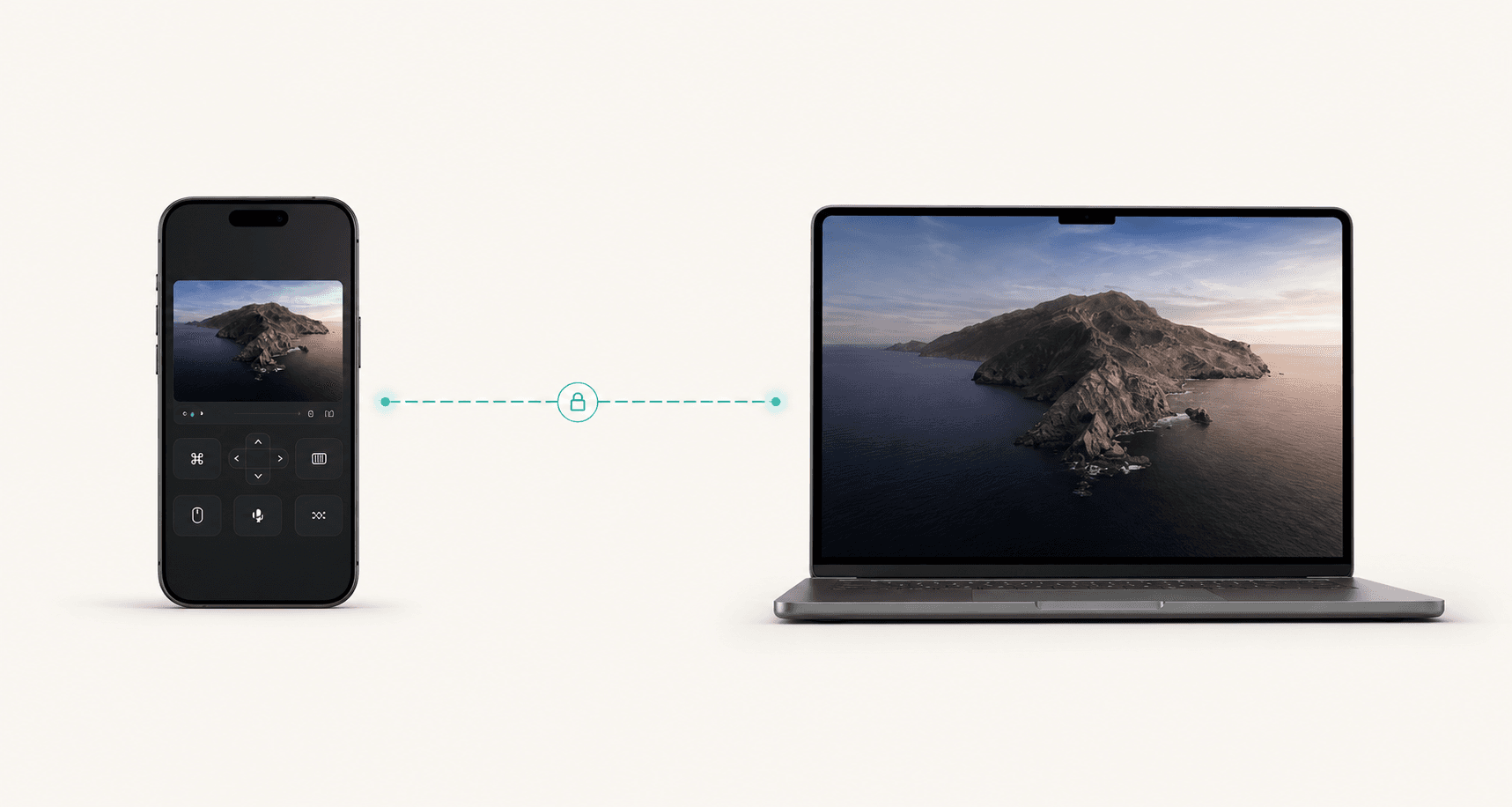
The fastest route is attempted before any relay path, with clear route state in the interface.
A sharper website direction for the same product: less whimsical than Design Spells, more cinematic than Classic, and still clear about the core promise: direct, secure computer control from your phone.
Route preference
Direct
Capture target
4K+
Refresh target
120
Active route
The controller and host negotiate the shortest encrypted peer route first, then keep relay as a fallback instead of a default.
Latency
Best
Privacy
E2E
Controller URL
Detecting phone URL...
The product should not make people think in acronyms. This option presents routes as a live control board with the tradeoff exposed in plain language.
The fastest route is attempted before any relay path, with clear route state in the interface.
Capture profiles are designed around low latency, high FPS, and quality modes the user controls.
Touch, keyboard, paste, audio, files, and app-specific workflows are presented as first-class actions.
Pairing, trust, encryption, route, active viewers, and block controls are visible without hunting.
Mac first, with Windows and Linux framed as equal host targets instead of afterthoughts.
Latency, bitrate, resolution, capture profile, and fallback reason are exposed for real decisions.
Platform line
This option treats cross-platform support as a trust signal. It feels less like a landing page and more like a control product ready to scale.
Practical uses
Check a build from a restaurant
Drive Codex while away from the desk
Grab a local file without cloud sync
Fix a home workstation from mobile data
Run a demo from the phone
Support your own devices securely
For a product that controls a whole computer, security needs to be visible and boring in the best way: pair, verify, encrypt, audit, revoke.
No controller starts trusted by accident.
Video, commands, clipboard, and transfer paths stay protected.
Route and viewer status are always explicit.
A suspicious device can be stopped quickly.
Monthly is $8. Yearly is $80, which saves $16 and lands at about $6.67/mo.
$8per month
Full direct-control feature set for one active user.
$80per year
Two months free. Same full feature set.
Another direction