Install Host
Install Direct Control Host on the computer you want to control.
Get connected in minutes
Phone controller URL
Detecting local URL...
Install Direct Control Host on the computer you want to control.
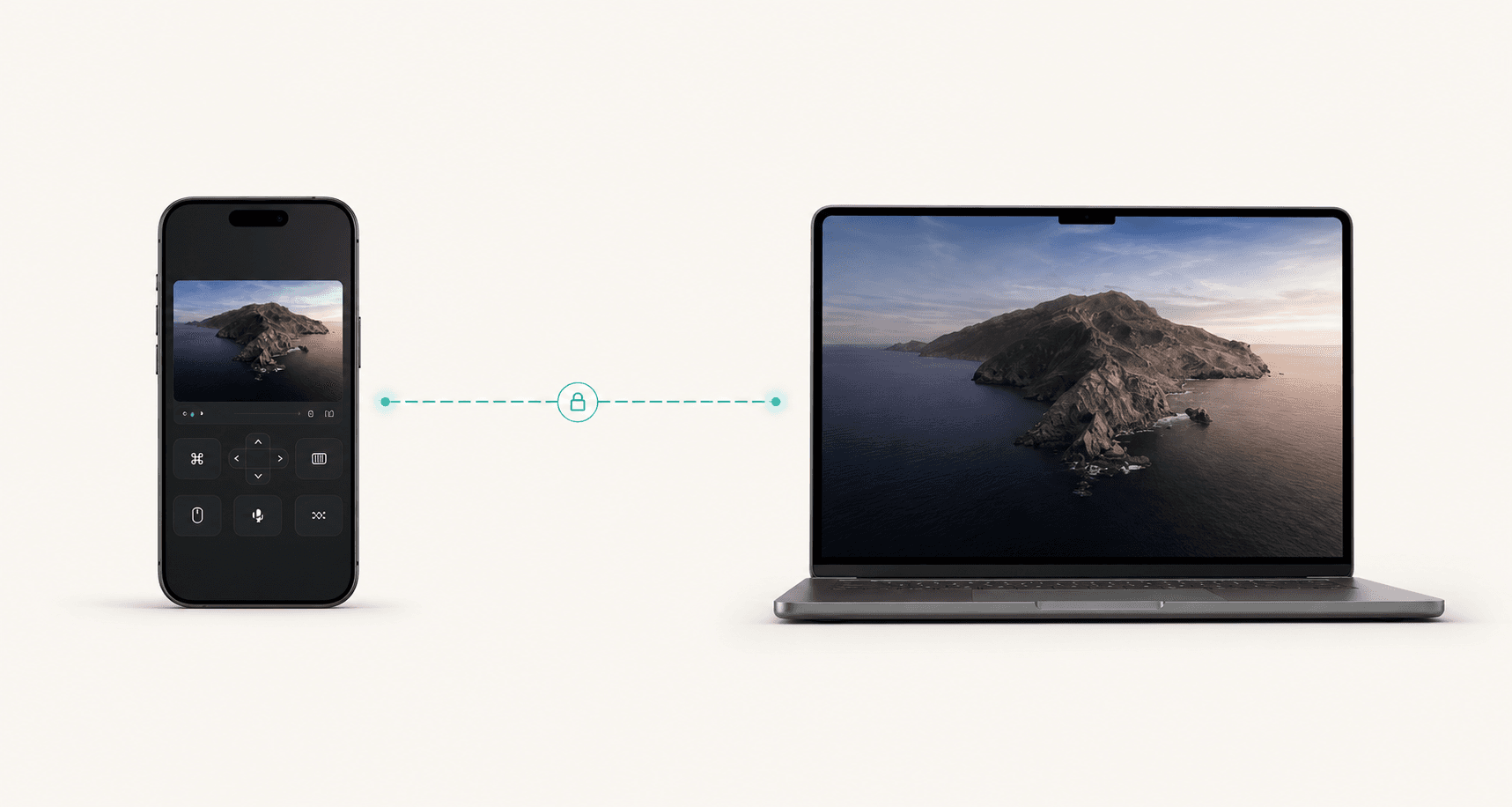
Launch the iPhone app or open the web controller from the local URL.
Pick your host, confirm quality, and take control instantly.
Why Command
One tactile control desk shows the host, controller, route, quality, telemetry, and pricing in the first viewport.
Route, capture profile, app target, and connection details move together so the page feels like a working product surface.
The page leads with the working surface: phone mode, host preview, FPS target, and route state before long feature copy.
Quality bench
Command keeps the high-speed claims attached to real controls: route, capture profile, app target, bitrate, packet loss, and the controller surface.
Up to 120 FPS
High-refresh capture
4K+ ready
Native or custom
Encrypted route
Private WebRTC sessions
No open ports
NAT traversal included
Route
Capture quality
Selected surface
120 FPS
Frame rate
12 ms
Latency
45 Mbps
Bitrate
Approve screen capture, choose a quality profile, and publish the controller URL.
Apps
Approve screen capture, choose a quality profile, and publish the controller URL.
A workstation host with the same route, capture, and permission model.
A practical path for labs, dev machines, render boxes, and servers.
A phone-first controller for touchpad, keyboard, route state, and quick actions.
Security
Control and media paths are carried through encrypted WebRTC sessions.
Direct peer and LAN paths are preferred before relay fallback.
NAT traversal and relay fallback avoid exposing the host to open ports.
Latency, packet loss, quality, route, and controller URL stay visible.
Pricing
Monthly is $8 x 12 = $96. Yearly is $80, so annual billing saves $16. That is two months free.
Monthly
$8
per month, billed monthly
Yearly
$80
per year, equivalent to $6.67/mo